Seller guide · Private beta
How to prepare your card shipment
Before you package a sold card, follow these three photo steps. Otherwise, you may need to open the parcel again to provide the required proof.
 Illustrative example (not a real shipment photo)
01 / 03
Card before packaging
Take a clear photo of the actual card sold, before adding a sleeve or other protection. Show its condition and any defects.
Card alone on a clean background, fully in frame.
 Illustrative example (not a real shipment photo)
02 / 03
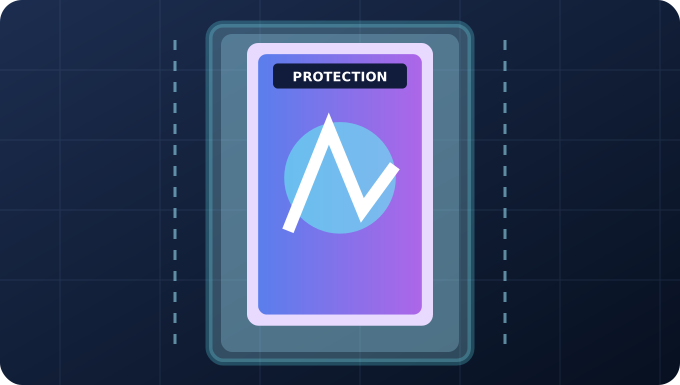
Protected card
Protect the card with a sleeve and Card Saver or top loader; for a graded card, protect the slab. Photograph the protection before sealing the parcel.
Protection visible, card identifiable, envelope still open.
 Illustrative example (not a real shipment photo)
03 / 03
Sealed parcel
Close the parcel securely and take a photo with its shipping label and destination address visible. Keep this image private.
Sealed mailer or parcel, shipping label visible.
Important: prepare before you seal
The three photos must show three different stages. Do not reuse the same image. Keep the original images until shipment has been confirmed. Photos of the final parcel may show a private address: never share them publicly.
After you hand the parcel to the carrier
Enter the real tracking number and official carrier URL, add the three photos on the order page, and confirm shipment only after actual handover. Signature is required when indicated by the order.
This guide does not replace the carrier's packaging, insurance or service requirements. An upload alone is not proof of a shipment being handed over.